Getting Started with 3D Modeling
Let's start with the basics of 3D Modeling.
Download & Installing Blockbench
Hytale uses Blockbench for all 3D modeling tasks. You can download it from the official website: Blockbench.
Once downloaded, follow the installation instructions for your operating system.
Du kannst natürlich auch die Web Version von Blockbench verwenden: (https://web.blockbench.net/). Falls du das programm nicht installieren möchtest. (Allerdings wird die Web Version nicht für große/komplexe Modelle empfohlen.)
If you are using Linux, pick the package supported by your current Linux Distribution. If you are unsure, you can download the Blockbench AppImage (Recommended), or the Flatpak package, both are universal installers and works on all Linux distributions.
Once you finish downloading and installing the package, you will see the following menu on first launch. Which indicates you've successfully installed Blockbench.
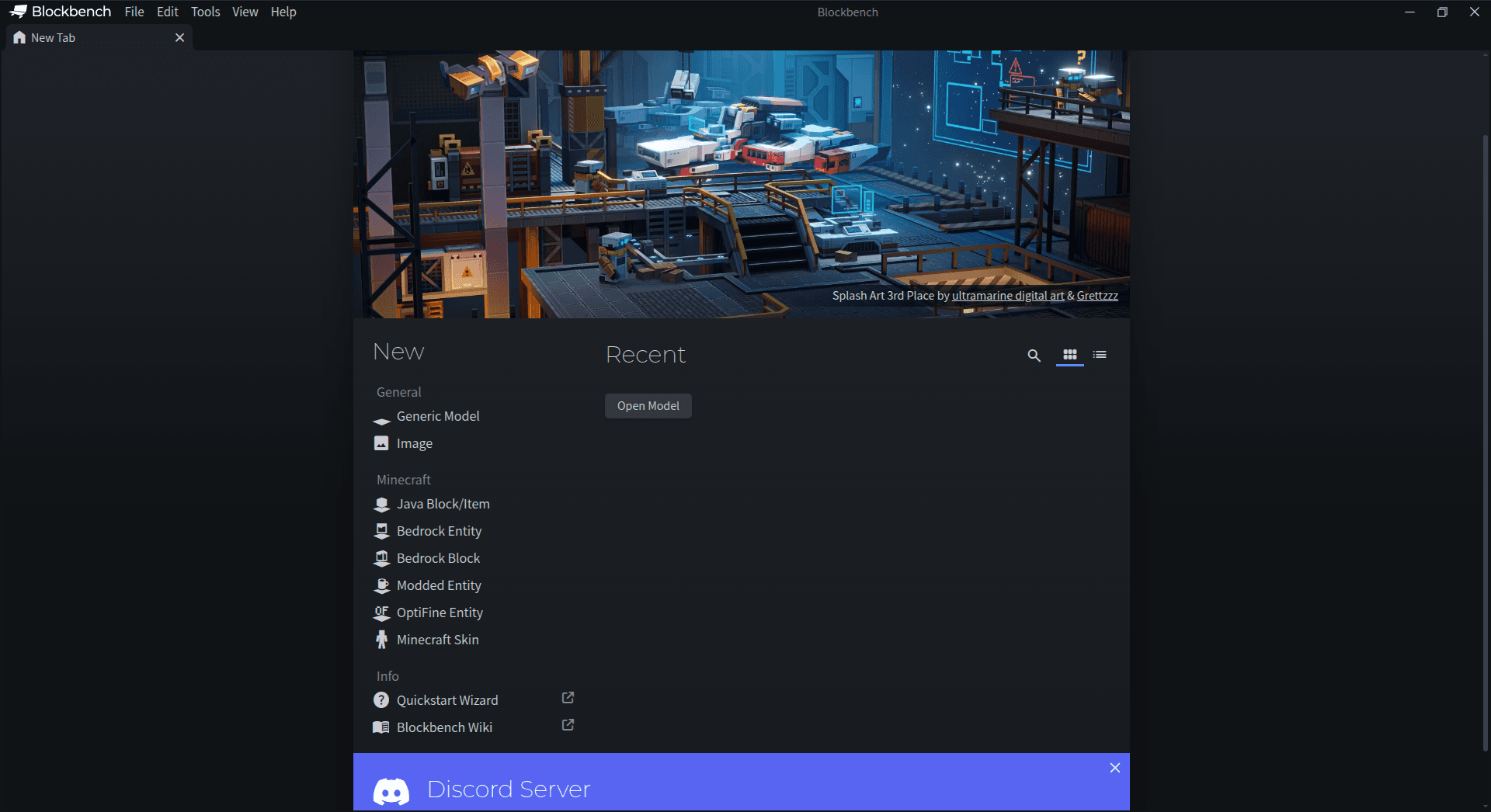
Now, we need to install the Hytale Blockbench plugins, for that, follow these steps:
- Click on File on the top left corner.
- Select "Plugins"
- You will see a Hytale Models plugin, if you don't, search for it and select it.
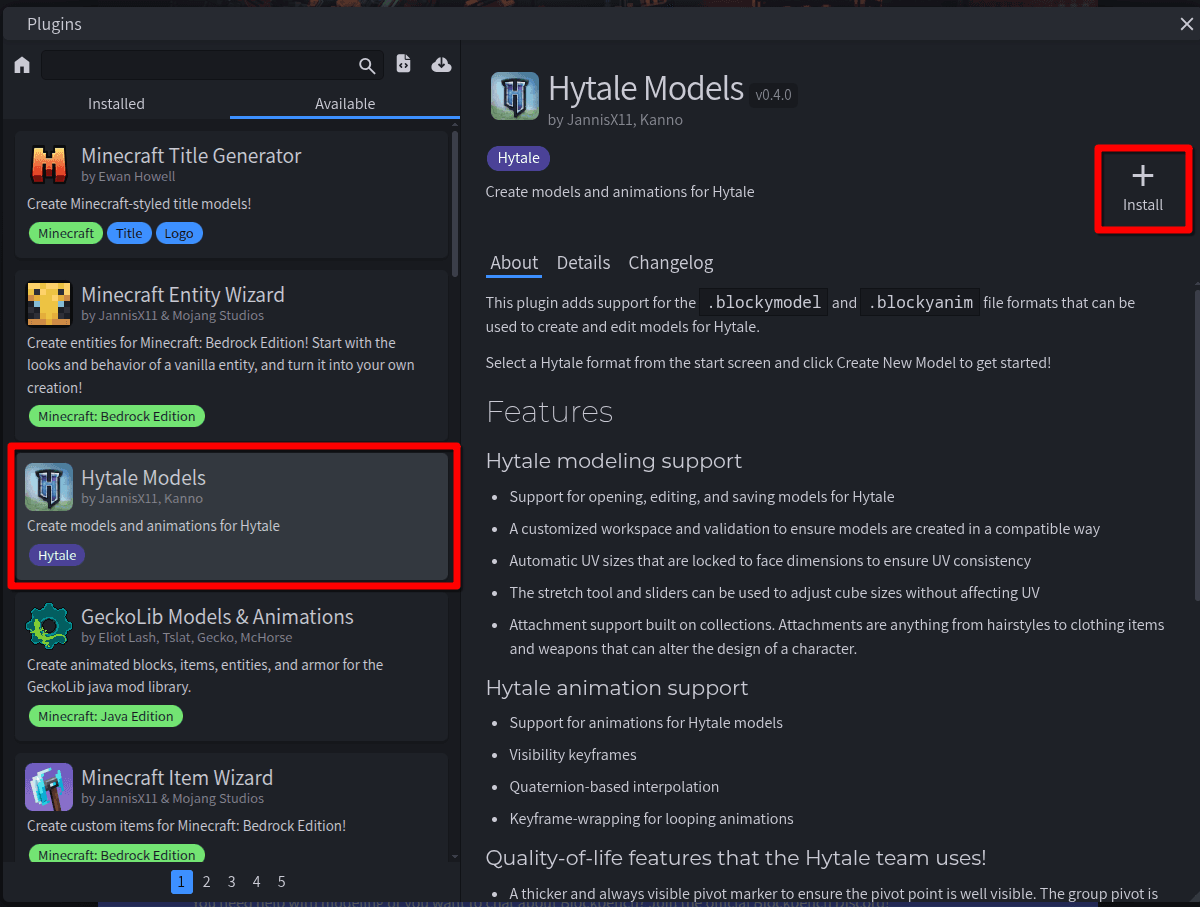
- Click on Install
You're done! Now let's proceed with creating a model. If you're making a character model, like a NPC, animal etc. you should use the Hytale Character Model type. Click on the Hytale Prop model Type. For this guide, we will focus on creating the Hytale Prop, but it is pretty similar.
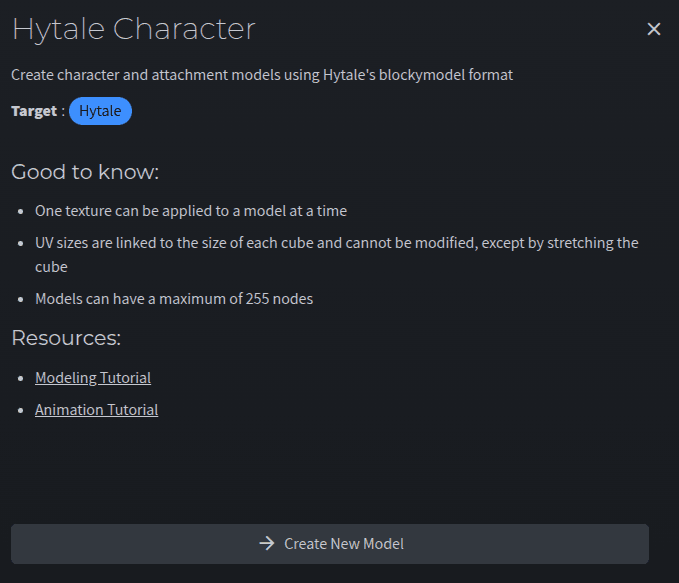
Now you'll be prompted to enter a file name, enter the name of your models.
Do not add any special characters, spaces, symbols or non-latin characters (except for underscores).
✅ my_model
❌ مy m♥פel$
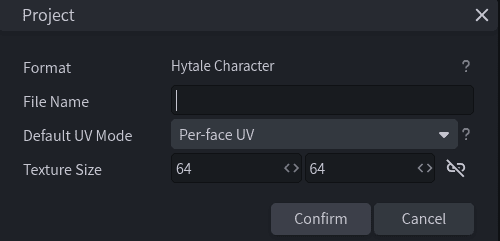
That's it! You now have a new Blockbench Hytale Character Model! In our next guides, we will learn how to actually create this model.