Tracking Mod Analytics with HStats
Learn how you can track Analytics for your Hytale Mod for Free using hstats.dev
In this guide, you will learn how to integrate HStats into your Plugin/Mod which will allow you to track how many Servers are using it along with other stats.
HStats is a third-party tool and is not affiliated with HytaleModding or Hypixel Studios
Step 1: Register your Mod to HStats
Before you touch any code, you will need to add your mod to the HStats website which will give you a UUID for your mod.
- Create or Login to an Account on https://hstats.dev
- Navigate to the dashboard page (https://hstats.dev/dashboard)
- On the left, type in your mod's name and click "Add Mod"
- Keep note of the UUID generated for later.
Step 2: Add the HStats Class to Your Project
To keep things simple, HStats uses a single Java class file that handles everything for you.
- Download / Copy the File from the GitHub page (https://github.com/hstats-dev/HStatsExamplePlugin/blob/main/src/main/java/com/al3x/HStats.java)
- Paste into your Project. You should now have a HStats.java file somewhere in your projects directory.
- Update the package name from com.al3x to whatever fits your project.
Step 3: Initialize HStats in your code
You only need to add one line of code to your mod's setup method in your main class to start tracking.
new HStats("YOUR-MOD-UUID", "1.0.0");
Replace YOUR-MOD-UUID with the Mod UUID we made note of earlier and change the 1.0.0 version to whatever version your mod is currently on.
Your setup method should now look something like this:
@Override
protected void setup() {
  super.setup();
  new HStats("c34a2b2a-afd8-4d6a-821e-7a63e12c5ea6", "1.0.0");
}
Extras
Your done! Your mod should now be listed under the Mods page (https://hstats.dev/mods) as well as under your dashboard.
Servers using your mod should now post updates about every minute to HStats which you can view in the Dashboard.
Embeds
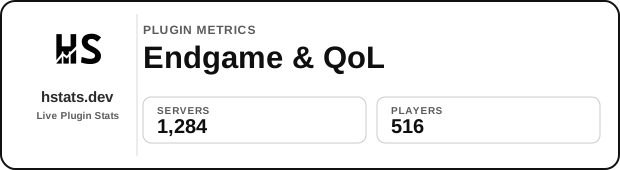
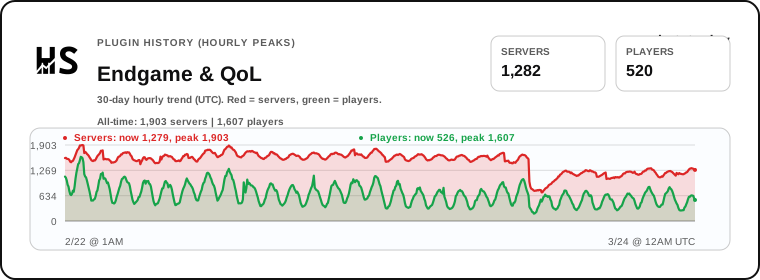
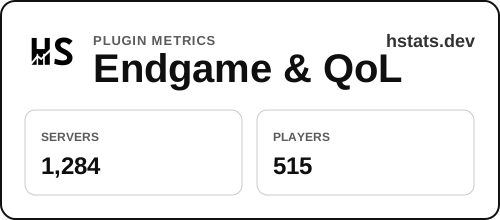
HStats allows you to generate an Embed Card that you can place on your CurseForge or GitHub page. This is useful for server owners to be able to see how many other servers are using your mod.
- In your dashboard, scroll down to the Embed Card section.
- Customize the appearance (Light/Dark mode, layout, etc).
- Copy the generated URL to display your "Active Servers" and "Players Online" live on your mod's description page
Heres an example of what they look like (Multiple different options):