World
Let's go over how to put Worlds into the Thunderstore Package.
Написана Chaosyr
This will be a step by step guide on how to insert your worlds into the thunderstore package.
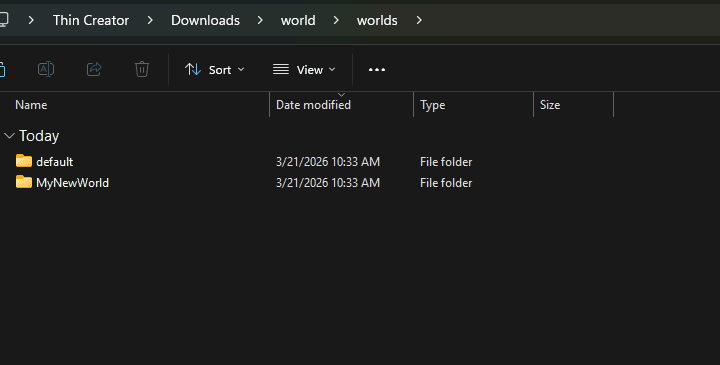
- First off navigate to your package, and create a folder called
worlds - In a new window/tab navigate to your equivalent of
C:\Users\(Your Username)\AppData\Roaming\Hytale\UserData\Saves. - Navigate into the Save that the universe resides within.
- Navigate into the
universefolder. - Navigate into the
worldsfolder. - Take the world in which you're after, and call it whatever, and than place it into the
worldsfolder we created. - And thats all you really need to do.
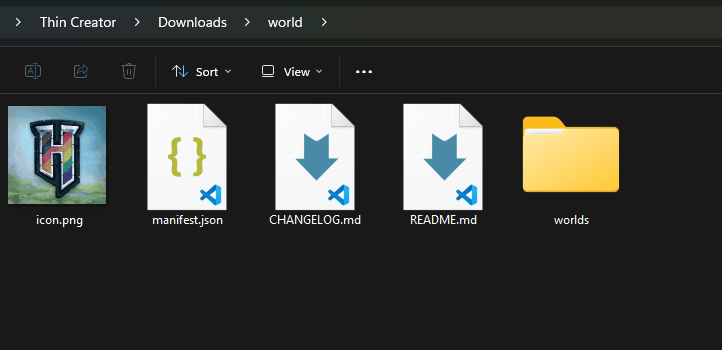
This should look something akin to the following: