UnifiedHytale
Complete guide to publishing and selling your Hytale mods on the UnifiedHytale marketplace.
Publishing Your Mod on UnifiedHytale
UnifiedHytale is a curated marketplace for Hytale mods, plugins, and content. UnifiedHytale uses an approval-based system to ensure quality content and allows creators to monetize their work with flexible pricing plans.

Prerequisites
Before you start, make sure you have:
- Your mod files ready to upload
- High-quality screenshots or images of your mod in action
- An icon image (PNG/JPG, max 2MB)
- A banner image (PNG/JPG, max 5MB)
- A detailed description of your mod's features (minimum 100 characters)
Understanding the Approval Process
UnifiedHytale uses a multi-step approval system to maintain quality:
- Creator Application - Apply to become a verified creator
- Project Approval - Submit your project for review
- Version Approval - Each version is reviewed and scanned before going live
This approval process ensures all content on UnifiedHytale meets quality standards and is safe for users to download.
Step 1: Apply for Creator Status
Before you can publish content, you need to become an approved creator:
- Sign in to UnifiedHytale or create an account
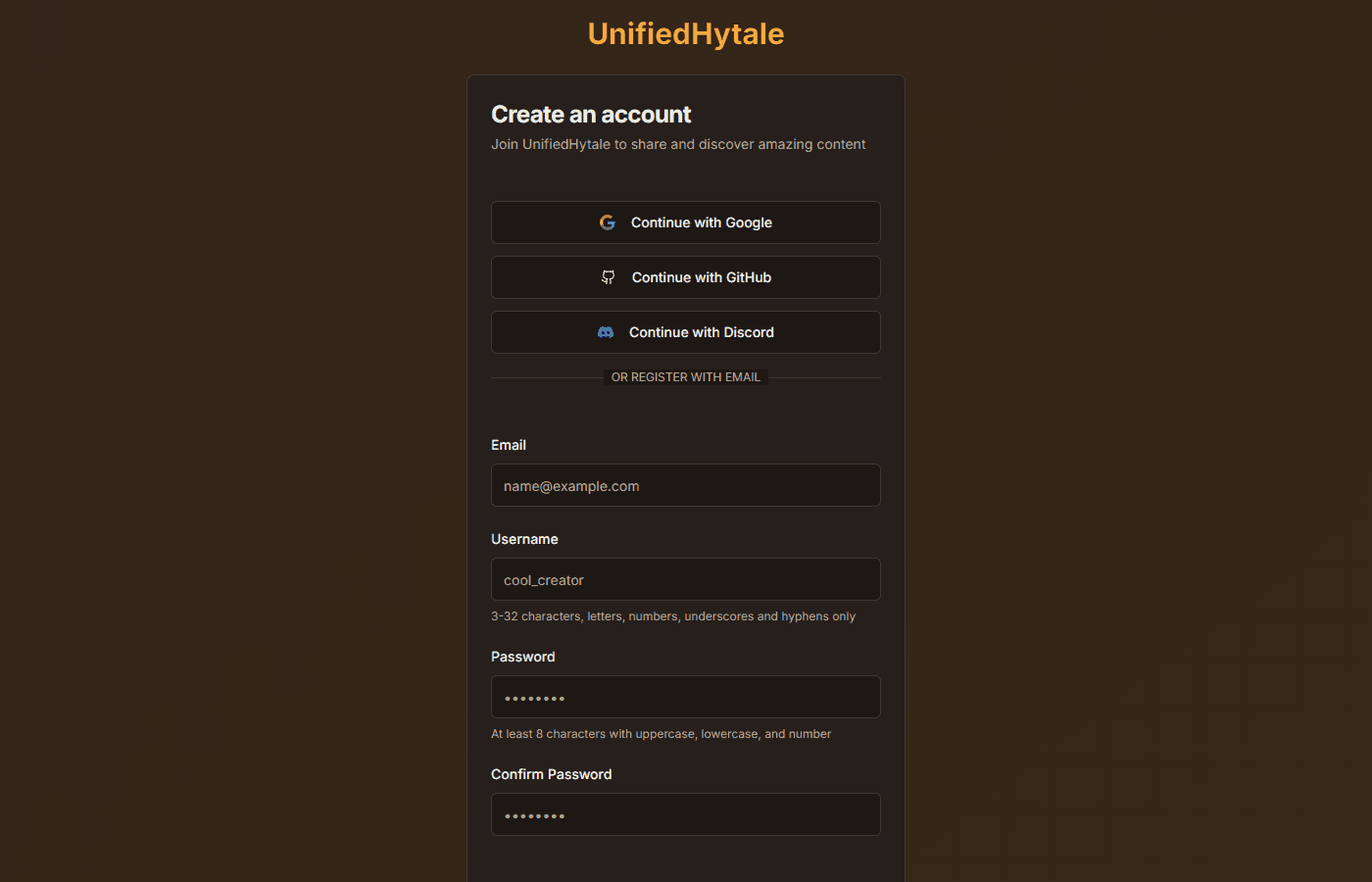
- Navigate to your profile settings
- Click "Apply for Creator"

- Fill out the application form with:
- Information about yourself or your team
- Your experience with Hytale modding
- Links to any previous work or portfolio
- Submit your application and wait for approval
Creator applications are typically reviewed within 1 hour. You'll receive a notification once your application is processed.
Step 2: Create a New Project
Once approved as a creator, you can create your first project using the 6-step wizard:
Step 2.1: Basic Info
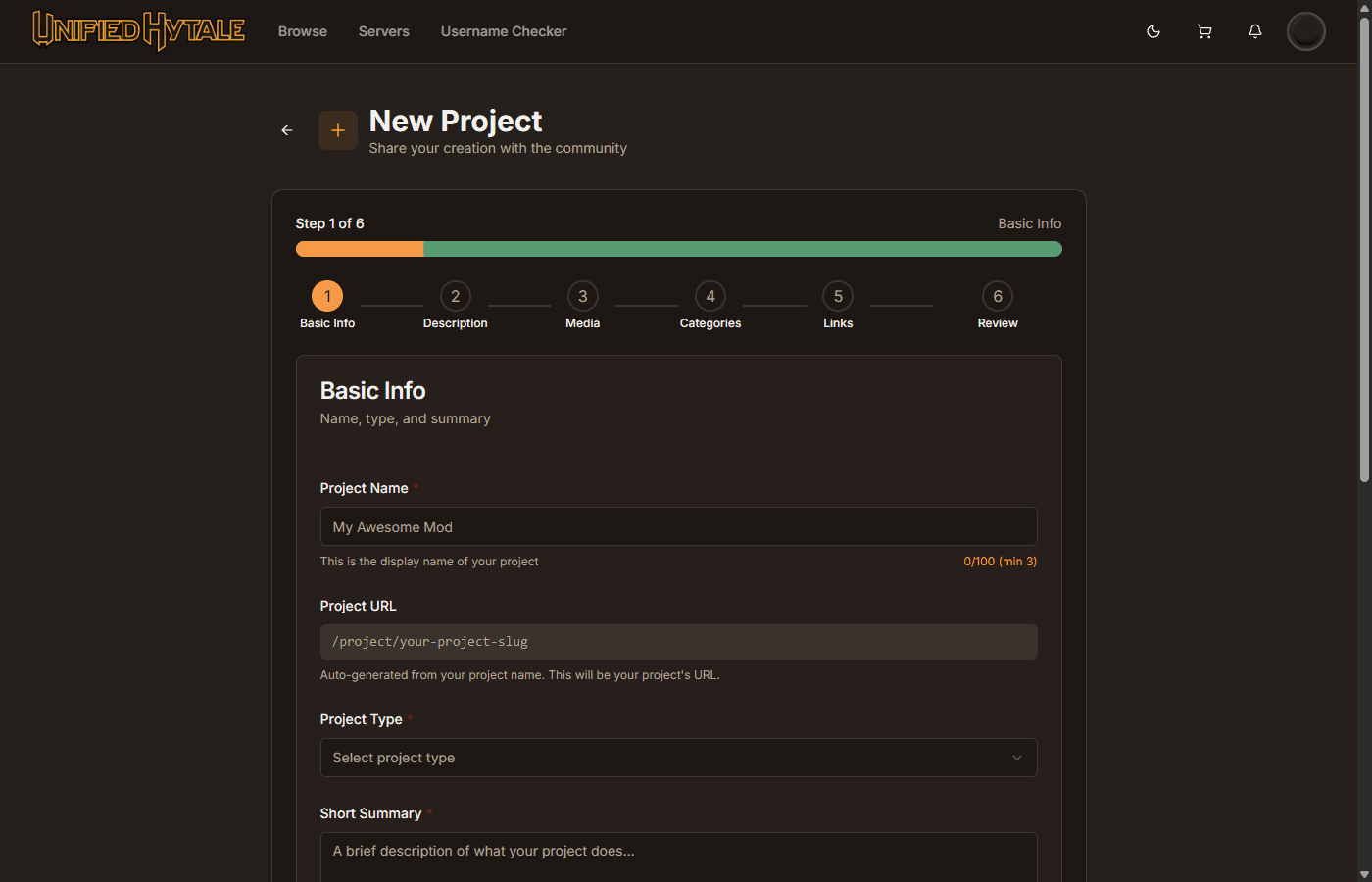
Fill in the essential details:
- Project Name (3-100 characters) - Choose a clear, descriptive name
- Project Type - Select from:
- Plugin - Server-side plugins with bundled assets
- Data Pack - JSON-based game content
- Asset Pack - Textures, models, and sounds
- World - Complete playable worlds
- Prefab - Single structures or buildings
- Modpack - Curated collections of mods
- Short Summary (10-300 characters) - Brief description that appears in search results
- Organization - Optionally assign the project to your organization
- Project URL - Auto-generated based on your project name
Step 2.2: Description
Write a comprehensive description of your project:
- Minimum 100 characters required
- Supports Markdown formatting
- Explain what your mod does, features, and how to use it
Step 2.3: Media
Upload visual assets for your project:
- Icon - Project thumbnail (PNG/JPG, max 2MB)
- Banner - Header image for your project page (PNG/JPG, max 5MB)
Step 2.4: Categories
Select 1-3 categories that best describe your project:
- Gameplay
- Technology
- Magic
- Decoration
- Adventure
- Utility
- World Generation
- Mobs
- Optimization
- Library
Step 2.5: Links
Add optional external links:
- Source URL - Link to your source code repository
- Wiki URL - Link to documentation
- Issues URL - Link to bug tracker
- Discord URL - Link to your Discord server
Step 2.6: Review
Preview your project before submission:
- Review all entered information
- Check visual preview with banner and icon
- Verify all details are correct
- Submit for approval
Step 3: Wait for Project Approval
After submission, your project enters the moderation queue:
- Status changes to "Pending"
- The UnifiedHytale team reviews your submission
- You may receive feedback if changes are needed
- Once approved, your project page becomes visible
Step 4: Upload Your First Version
With an approved project, you can upload versions:
- Navigate to your project's management page
- Click "Upload Version"
- Upload your file (size limits vary by type):
- Plugin: max 200MB
- Data Pack: max 50MB
- Asset Pack: max 100MB
- World: max 500MB
- Prefab: max 50MB
- Modpack: max 500MB
- Fill in version details:
- Version Number - Use semantic versioning (e.g., 1.0.0)
- Version Name - Optional display name
- Release Channel - Release, Beta, or Alpha
- Game Versions - Select compatible Hytale versions
- Changelog - Document changes and features
- Submit for review
All uploaded files are automatically scanned for security before approval.
Step 5: Version Goes Live
Once your version is approved:
- Users can download your mod
- Your project appears in search results
- Download statistics begin tracking
Selling Your Content
UnifiedHytale allows creators to monetize their work with flexible pricing plans.
Setting Up Pricing Plans
You can create multiple pricing tiers for your project:
- Go to your project settings
- Navigate to "Pricing Plans"
- Create plans with:
- Plan Name - e.g., "Personal", "Professional", "Enterprise"
- Price - Set your price in USD
- Description - Explain what's included
- Features - List specific features for this tier
- Restrictions - Set limits like max servers or max players
- Commercial Use - Allow or restrict commercial usage
- Redistribution - Allow or restrict redistribution
License System
When users purchase your content:
- A unique license key is generated (format: XXXX-XXXX-XXXX-XXXX)
- Licenses can be bound to specific servers
- You can track license usage and verifications
- Supports both lifetime and time-limited licenses
Creator Payouts
- Creators receive 90% of each sale
- Platform fee is 10%
- Payouts are processed monthly
- Supported payment methods: Stripe
Consider offering a free tier or trial alongside paid content to let users experience your mod before purchasing.
Best Practices
For Faster Approvals
- Provide clear, accurate descriptions (minimum 100 characters)
- Include high-quality icon and banner images
- Select appropriate categories (1-3)
- Test your mod thoroughly before submission
- Follow all platform guidelines
Version Management
When uploading updates:
- Use semantic versioning (X.Y.Z)
- Write detailed changelogs
- Specify correct game version compatibility
- Choose appropriate release channel (Release/Beta/Alpha)
Community Engagement
- Add your Discord server link for community support
- Link to your issue tracker for bug reports
- Respond to user feedback promptly
- Keep your documentation up to date
After Publishing
Monitoring Your Project
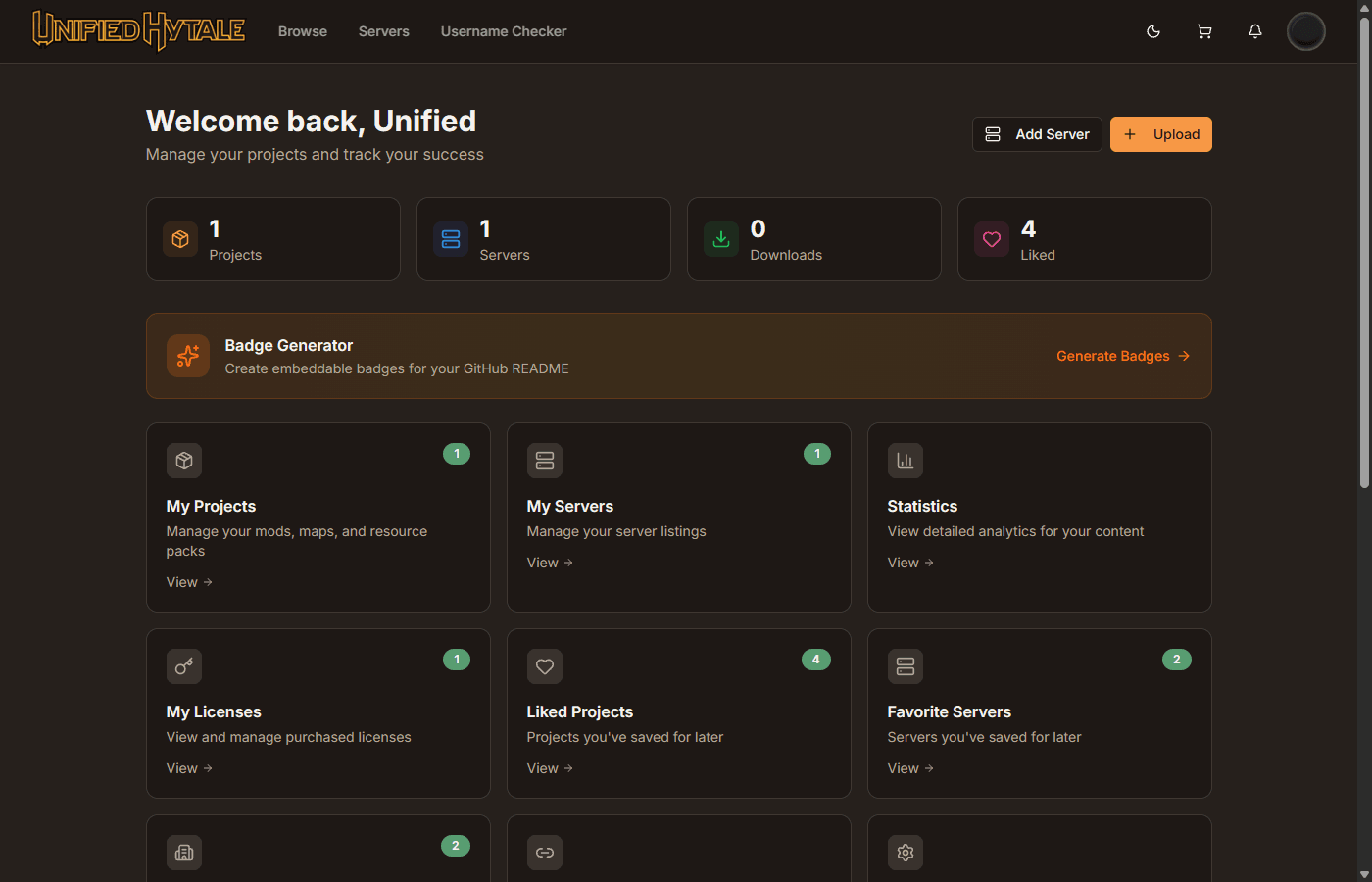
- Track downloads and sales in your creator dashboard
- Monitor user reviews and ratings
- View license verification statistics
- Analyze which versions perform best
Updating Your Mod
For each new version:
- Upload the new file
- Set version number and release channel
- Write detailed changelog
- Submit for version approval
- Users are notified once approved
Remember to keep your mod updated for new Hytale versions. Outdated mods may be flagged to maintain platform quality.
Getting Help
If you need assistance:
- Check the UnifiedHytale documentation
- Join the UnifiedHytale Discord community
- Contact support through the platform