7 - Sleep Animations
There are still a few more things we need to do before our ogre can get some rest. Until we come to inter-NPC behaviours later, most of this is purely for visual effect and is pretty much entirely restricted to playing animations.
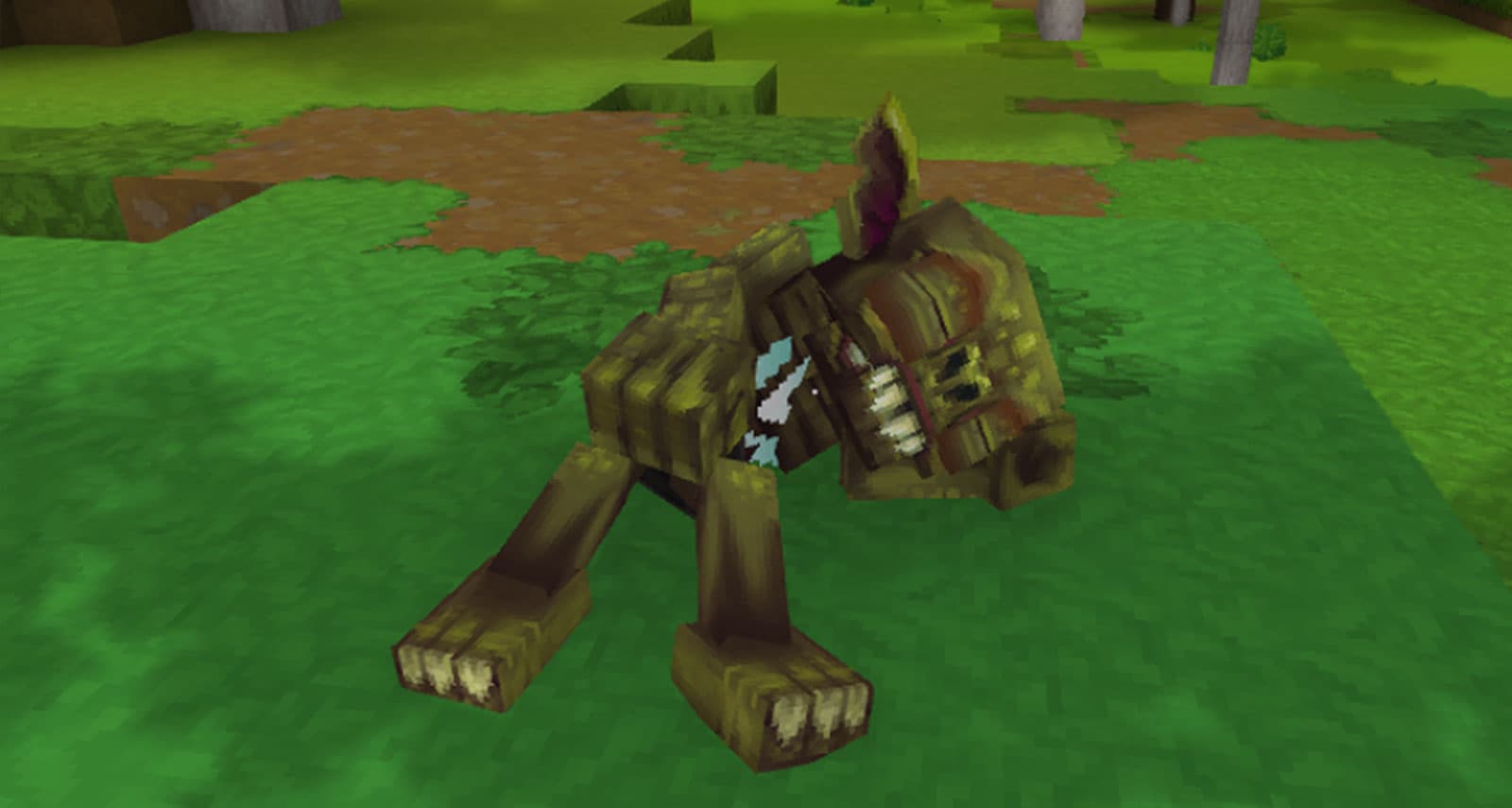
The most basic part is playing the sleep animation. We can use a convenient component for this. Don't forget to put back "Continue":true, because now we want to play the animation while the timeout runs.
{
  "Sensor": {
    "Type": "State",
    "State": "Sleep"
  },
  "Instructions": [
    {
      "Continue": true,
      "ActionsBlocking": true,
      "Actions": [
        {
          "Type": "Timeout",
          "Delay": [5, 10]
        },
        {
          "Type": "State",
          "State": "Idle"
        }
      ]
    },
    {
      "Reference": "Component_Instruction_Play_Animation",
      "Modify": {
        "Animation": "Sleep"
      }
    }
  ]
}
Wait...that's it?
Almost! While our ogre will now happily go to sleep, it's a bit janky. We still need to handle the transitions between states. For this we add a completely new section to the asset above the instructions, called StateTransitions.
"StateTransitions": [
    {
        "States": [
            {
                "From": ["Idle"],
                "To": ["Sleep"]
            }
        ],
        "Actions": [
            {
                "Type": "PlayAnimation",
                "Slot": "Status",
                "Animation": "Laydown"
            },
            {
                "Type": "Timeout",
                "Delay": [1, 1]
            }
        ]
    },
    {
        "States": [
            {
                "From": ["Sleep"],
                "To": []
            }
        ],
        "Actions": [
            {
                "Type": "PlayAnimation",
                "Slot": "Status",
                "Animation": "Wake"
            },
            {
                "Type": "Timeout",
                "Delay": [1, 1]
            }
        ]
    }
],
"Instructions": [
	...
]
State transitions are a bit verbose but relatively simple. Each transition represents a set of actions that will be performed in sequence before we actually start executing the logic of the state itself.
An empty array represents all existing states. In this instance, our ogre will play the Laydown animation when switching from Idle to Sleep and the Wake animation when switching from Sleep to any other state.
We currently have to define a Timeout action with a delay the length of the animation to ensure that we don't do anything else until the animation completes. In the future, we might be able to automatically find out the length of the animation and block for its duration, but that's not currently possible.
But that's all for the Sleep state for now. Really this time.